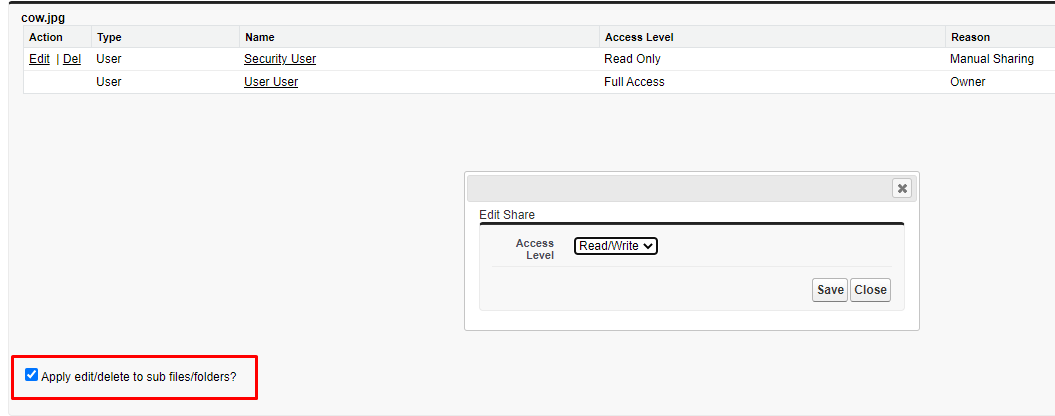
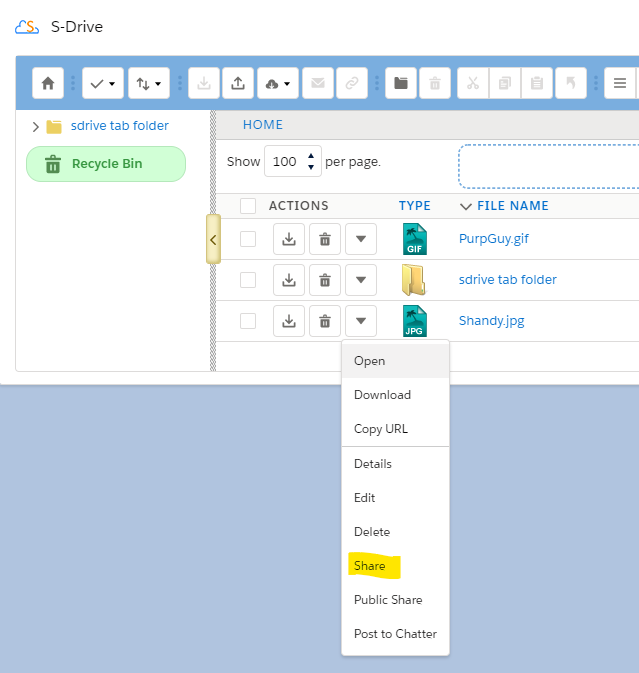
Manual sharing is supported for files uploaded to the S-Drive Tab—those files not associated with a standard or custom object--and any files that have a lookup relationship (rather than master-detail) to the parent. If the OWD for S3Objects (representing the S-Drive Tab files) or these other file objects is set to Private, then the "Share" action menu item will be available for a selected file or folder.
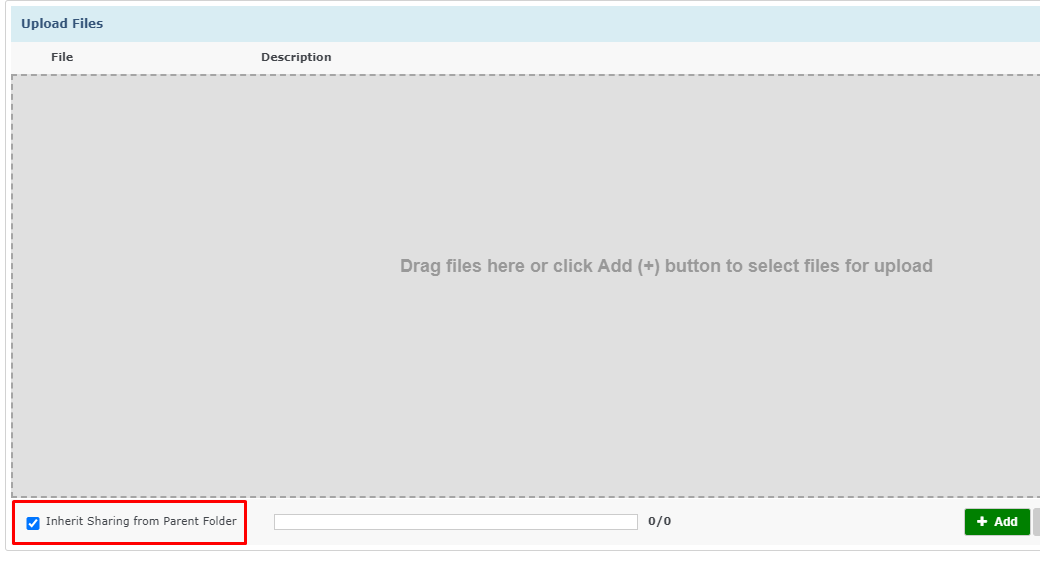
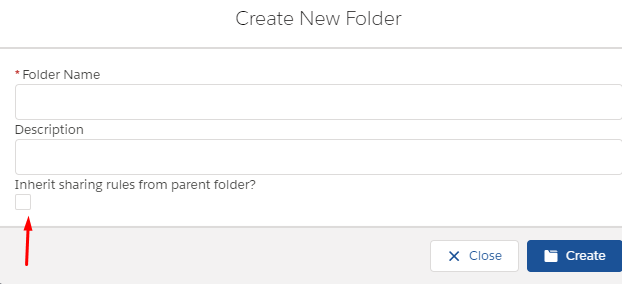
If you upload a file into a folder, or you create a subfolder, you can choose to have the file or subfolder inherit the sharing of the parent folder.
If you share a folder, you can choose to have the sharing rule apply to all the subfolders and files inside that folder.
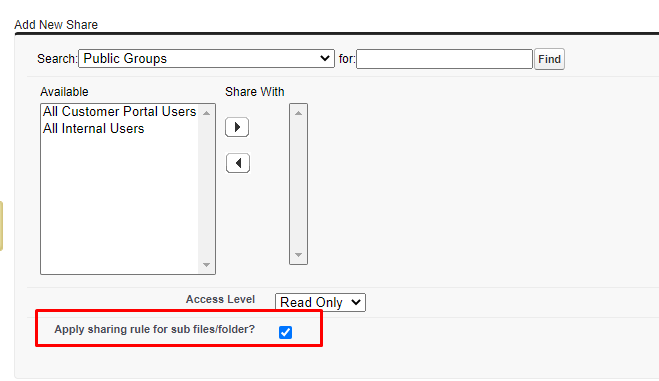
If you change the access level from Read Only to Read/Write or vice-versa, the change will be propagated through if the “apply edit/delete to sub files/folders” box is checked. If you delete a manual share rule, and the box is checked, the deletion will be propagated through.