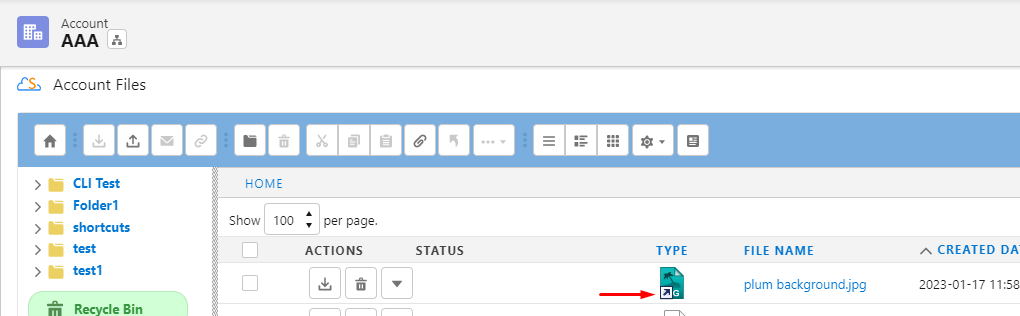
Shortcuts allow you to create a link to a file on another object.
-
Shortcuts are not synced to the underlying file. They always point to the version of the file they were created from.
-
When the underlying file is deleted, the shortcut will be deleted in a batch job that is run later.
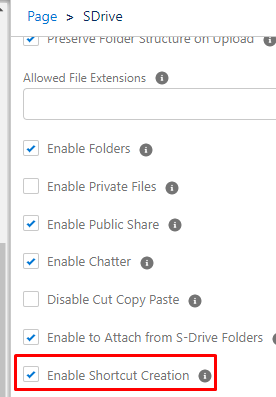
The Enable Shortcut Creation checkbox must be checked on the S-Drive Lightning component configuration.
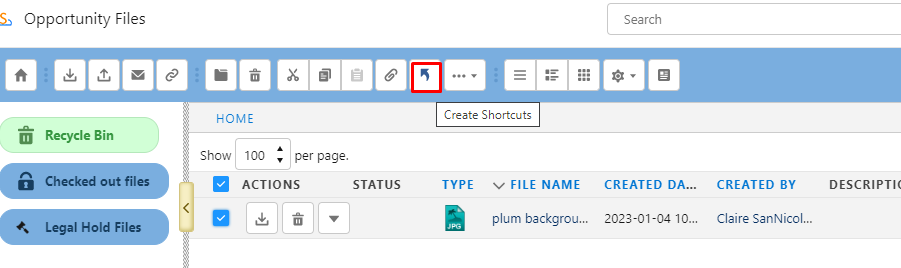
To create a shortcut, select a file or files and click the shortcut icon on the toolbar.
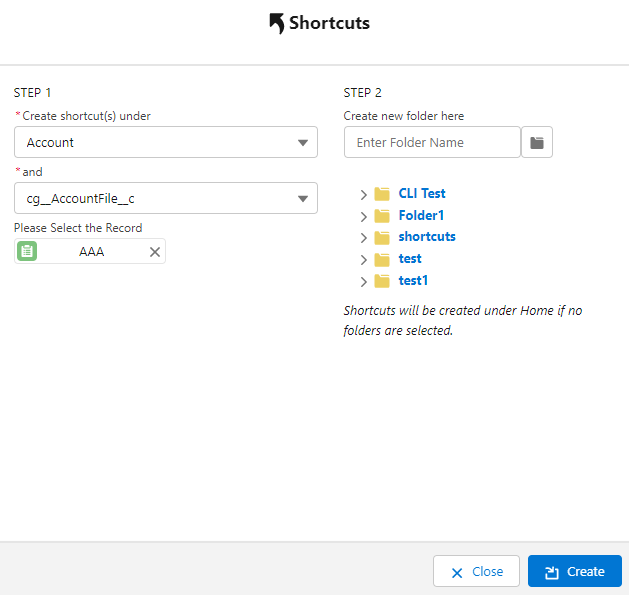
After clicking the shortcut icon, choose where you want your shortcut to go
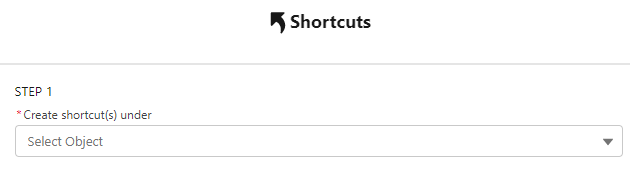
Choose the Object, file object, and record. You may choose a folder for the shortcut to go in, create a new folder, or put the shortcut at the root level.
On the record where the shortcut was created, you’ll see the file with the shortcut icon.