This section allows a system administrator to change field display settings of S-Drive Files and S-Drive Tab objects.
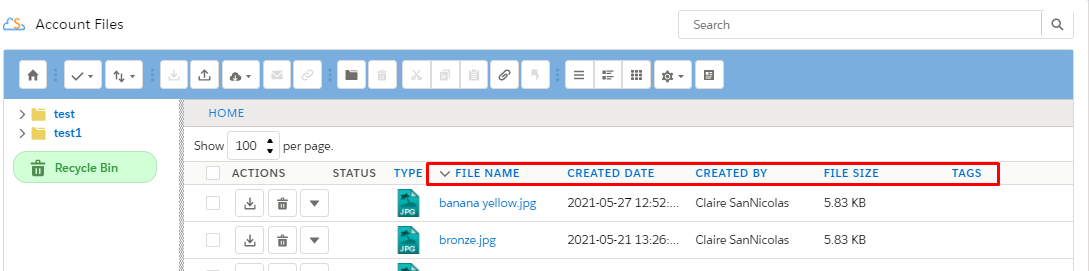
By default, the S-Drive file areas of all objects have these columns: "File Name", "Created Date", "Created By ID", File Size", "Description" .
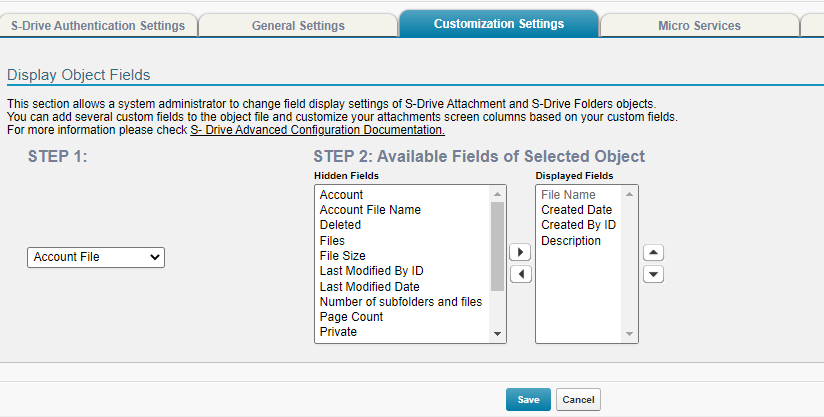
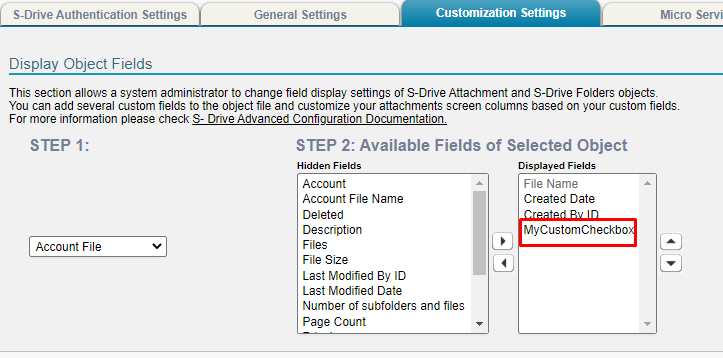
To set the field display settings for an object, select the object from drop-down. Select the fields from "Available Fields" and click right arrow button to move these fields to the "Displayed Fields" section. You can also change the order of the fields by using Up-Down arrows. Click "Save" button to save changes. Note that you cannot change the first column of the file list, it is fixed as the "File Name" field.
Note: If you allow users to set files to Private, you must display the Private field here.
The chosen fields will be the default fields for all users.
Admins can choose to display different fields for different users or profiles using Custom Settings.
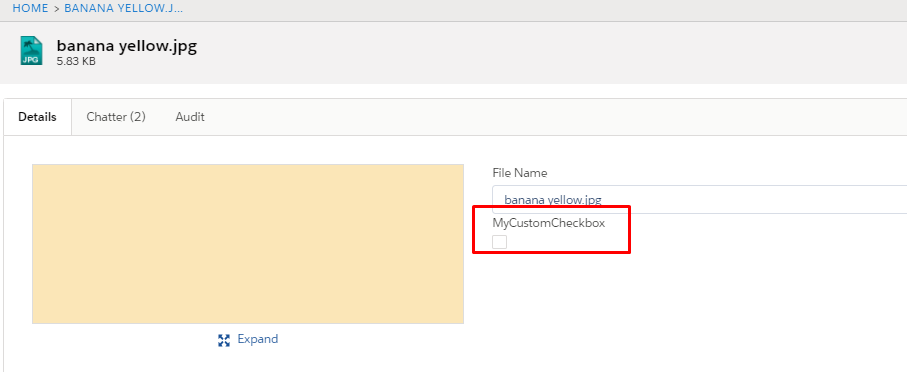
The fields configured will also be the fields that are available on the upload page and on the edit page.
Configuration

S-Drive Component
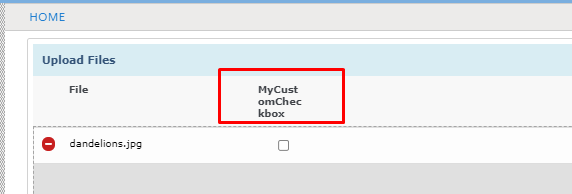
Upload page