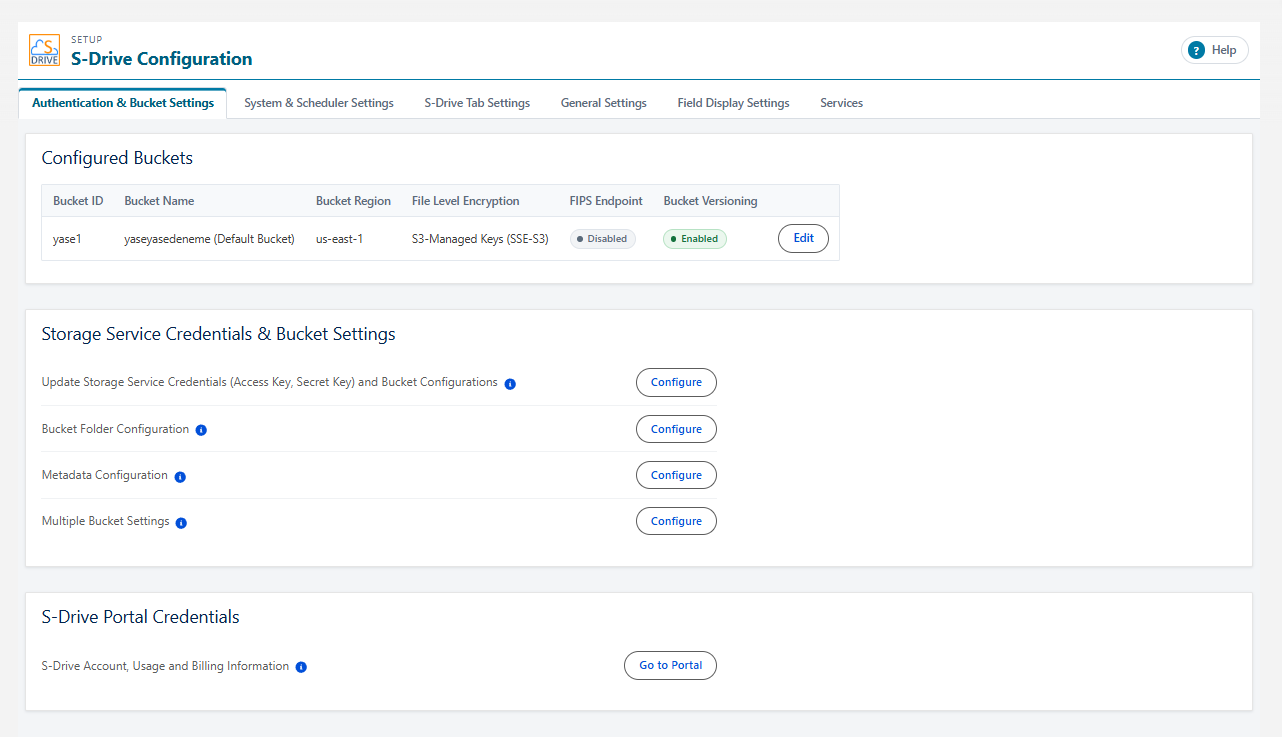
Organization administrators can use S-Drive Configuration tab to set organization-wide configurations.
S-Drive Configuration is separated into six sections: Authentication and Bucket Settings, System & Scheduler Settings, S-Drive Tab Settings, General Settings, Field Display Settings, Services
To get to this page, go to App Launcher and click on the S-Drive App, then click on S-Drive Configuration.
You can use S-Drive without changing anything here. These settings allow you to configure features you want or change default settings.